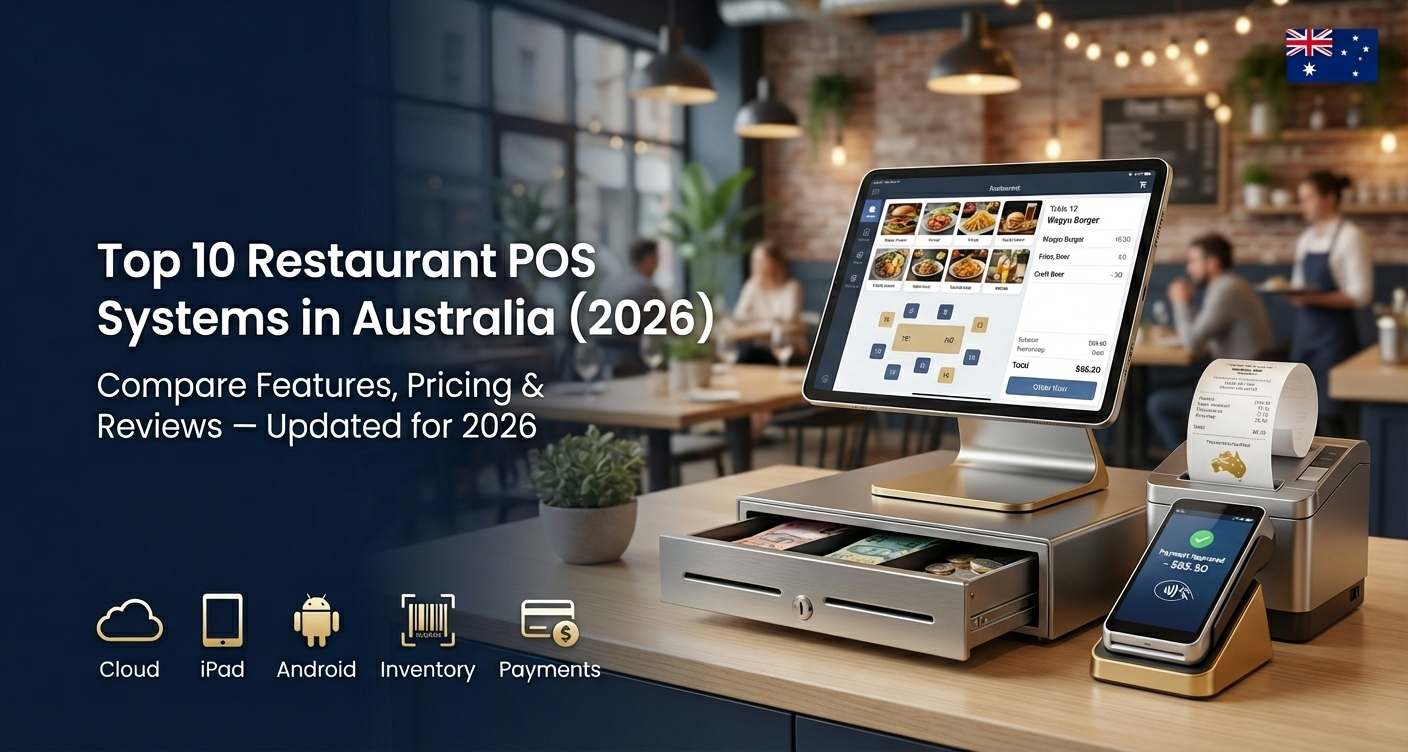
Top 10 Restaurant POS Systems in Australia (2026)
Published by - Mahesh Gupta on February 16, 2026 Guide
Here’s a top 10 list of the best POS (Point of Sale) systems for restaurants in Australia in 2026 — systems known for strong features, local support, scalability, and suitability for hospitality venues from cafés to full-service restaurants:
Top 10 Restaurant POS Systems in Australia (2026)
TapTouch POS – All-in-one Australian hospitality POS with delivery, QR ordering, analytics & inventory — ideal for restaurants, cafés & pubs of all sizes.
Lightspeed Restaurant – Feature-rich system for mid-size and multi-location restaurants with advanced reporting and integrations.
Square for Restaurants – Easy-to-use and highly accessible system with free entry-level software — great for cafés, food trucks & small restaurants.
POSApt – Australian-built POS with local support, easy setup, menu & loyalty tools — good for growing independent venues.
Abacus POS – Strong option for multi-site groups or larger restaurants with centralised management and advanced features.
OrderMate POS – Popular hospitality POS with good reporting, table-side ordering and multi-venue management.
TouchBistro – iPad-based POS designed specifically for restaurants with intuitive table management and kitchen display integration.
Epos Now – Affordable cloud POS with solid inventory and customer tracking — suitable for small to medium restaurants.
H&L POS – Long-standing Australian hospitality POS, strong for larger venues like pubs or hotels with robust back-office functions.
Revel Systems (Shift4) – Scalable, hybrid cloud/offline system suited to large restaurants and franchises.
Quick Picks by Use-Case
Best for small venues & startups: Square for Restaurants, POSApt, Epos Now
Best for full-service dining: TapTouch POS, Lightspeed Restaurant, TouchBistro, OrderMate.
Best for multi-location or scaling: Abacus POS, Lightspeed Restaurant, Revel Systems.
Best for pubs/clubs with legacy needs: H&L POS.
Key Things to Consider
Cloud vs On-Premise: Cloud POS (Lightspeed, TapTouch, Square) offers remote reporting and flexibility. On-premise/hybrid (H&L, Revel) gives strong offline reliability.
Costs: Entry-level pricing varies widely — from free software plans (Square) to custom or premium pricing (Revel, H&L). Always factor hardware and payment processing fees.
Local support & compliance: Australian support and GST/payments compatibility can save time and headaches.
Hardware Costs
Hardware tends to be a one-off investment (terminals, tablets, printers, kitchen display screens):
-
Low-to-mid setups (Square/TapTouch/Epos Now): ~$800–$1,500 for a complete bundle.
-
Advanced or enterprise hardware (Lightspeed/Revel/H&L): ~$1,500 – $3,000+ per location
Feature Highlights (Quick Overview)
| Feature | TapTouch | Square | Lightspeed | TouchBistro | OrderMate | Epos Now |
|---|---|---|---|---|---|---|
| Online Ordering / Delivery | ✔ built-in | ✔ via Square Online | ✔ third-party | ✔ (add-ons) | ✔ (partners) | Via add-ons |
| Kitchen Display System (KDS) | ✔ | ✔ (paid/plan dependent) | ✔ | ✔ | ✔ | Add-on |
| Inventory & Reporting | ✔ | Basic | ✔ Advanced | ✔ | ✔ | Basic |
| Offline Mode | ✔ | Limited | Partial | Good | Good | Yes |
| Local Support (Australia) | ✔ | Limited | Limited | Global | Strong | Variable |
2026 Restaurant POS Pricing Comparison — Australia
Here’s an up-to-date pricing comparison (2026) for popular POS systems used by restaurants in Australia — including software costs, hardware ranges, transaction fees, and typical first-year budgets so you can budget accurately before buying.
| POS System | Software Cost (Monthly) | Typical Hardware (AUD) | Transaction / Payment Fees | Estimated 1st-Year Cost | Best Fit |
|---|---|---|---|---|---|
| TapTouch POS | Free → $69 → $165 | Terminal bundle ~$899–$1,199 | Built-in payments (fair surcharges) | ~$2,500–$4,000 | Full-service, multi-channel restaurants |
| Square for Restaurants | Free → ~$129+ | Card reader/Terminal $65–$399+ | ~1.6%–2.2% per txn | ~$500–$1,500+ | Small cafés & QSR |
| Lightspeed Restaurant | ~$40 → $340+ | ~$1,500–$3,000+ | Depends on payments provider | ~$3,500–$6,000+ | Mid/large restaurants |
| Epos Now | ~$99+ | ~$1,000+ | ~2.6% + 10¢ (typical) | ~$1,500–$3,000 | Budget restaurateurs |
| POSApt (Hospitality) | Free or ~$66 | ~$0–$1,000+ | ~1.5%–1.6% per txn | ~$0–$800 | Cost-conscious small venues |
| POSApt (Paid Retail Plan) | ~$99 | Custom | Fixed | ~$1,200–$2,000 | Small mixed venues |
| OrderMate POS | ~$120–$300+ (quote) | Custom | Merchant fee varying | ~$3,000–$7,000+ | Full-service restaurants |
| H&L POS | ~$200+ | ~$1,800+ | Depends | ~$4,000+ | Pubs & hotels |
| Revel Systems | ~$200+ | Custom | Depends | ~$4,000+ | Large venues/chains |
| TouchBistro (USD pricing) | ~$69 USD (~AUD 100) + add-ons | Quote | Merchant charges | $1,500+ | Full-service dining |
How to Decide Which System is Right for Your Restaurant?
Choosing the right POS system for your restaurant is a strategic decision, not just a software purchase. The right system improves efficiency, boosts sales, tracks inventory, simplifies payments, and enhances customer experience. Here’s a structured guide to help you decide.
1. Define Your Business Needs
What type of restaurant are you?
Café / Quick Service (QSR): Speed & ease-of-use matter most
Full-Service / Fine Dining: Table management, kitchen support & reporting
Multi-Location / Franchise: Centralised reporting & multi-site control
Bars / Pubs: Offline reliability + age verification + bar workflows
2. Key Features to Prioritise
a) Order & Table Management
Needs: floor plans, split bills, reservations, table turns
Best fit: systems with strong restaurant-centric workflows (e.g., TapTouch POS, TouchBistro)
b) Menu & Inventory Control
Track ingredients & automate stock updates
Ideal for kitchens with complex menus or high food costs
More advanced in Lightspeed, OrderMate, Revel
c) Payments & QR Ordering
Built-in or integrated card processing
QR menus & contact-free ordering are essential post-COVID
Systems like Square and TapTouch often include built-in payments
d) Online Ordering & Delivery Integration
Do you sell through apps (Uber Eats, Deliveroo)?
Choose POS that syncs orders automatically
e) Reporting & Analytics
Sales, labor, best-selling items & profit reports
Mission-critical for multi-site or growth-focused businesses
Advanced analytics: Lightspeed, Revel, OrderMate
f) Offline Mode
Must if internet drops are common
Offline support keeps orders & payments moving
g) Local Support
Australian-based support saves time & frustration
Consider systems with local help desks
3. Consider Costs Carefully
| Cost Type | What to Expect |
|---|---|
| 📅 Software subscription | Monthly/annual licensing |
| 💻 Hardware | Terminals, tablets, KDS screens, printers |
| 💳 Payment fees | Card processing surcharges |
| 🛠️ Setup & training | Installation and staff onboarding |
| 📈 Add-ons | Loyalty, delivery integration, CRM |
4. Compatibility with Your Current Operations
Ask:
-
Do you currently use accounting software? (e.g., Xero, MYOB)
-
Do you need payroll integration?
-
Will you need mobile/tablet POS terminals?
Good systems integrate smoothly — reducing manual work.
5. Scalability & Growth Potential
Choose a POS that can grow with you:
🎯 Single small café: Square for Restaurants, POSApt
📈 Mid-size full-service: TapTouch POS, Epos Now, TouchBistro
🏢 Multi-location or chain: Lightspeed Restaurant, OrderMate, Revel
Think long-term — switching POS down the line is costly.
6. User Friendliness & Training
A system that’s easy to learn reduces training time and errors:
✔ Tablet-based interfaces
✔ Intuitive order screen
✔ Fast payment workflow
Ask for demo access or trial periods before buying.
7. Support & Maintenance
Good support reduces downtime:
-
24/7 support?
-
Australian phone & chat support?
-
On-site training available?
-
Support response times?
Systems with local support (e.g., TapTouch POS, POSApt) often win here.
8. Security & Compliance
Make sure your system:
🔒 Encrypts payments
📜 Supports GST reporting (Australia)
📡 Protects customer data
✔ Complies with Australian payment standards
Security can save you from costly breaches.
Still Confuse Please call us Directory to Choose Right POS Solutions for your Business